
Odoo ERP for Mid-Market Manufacturers: Implementation, Customization, and AI Middleware
A manufacturing-first ERP: Odoo stays the system of record, and the added logic reads and writes through the API.
What Odoo's core apps do natively for a plant, which edition a production operation actually needs, the four gaps that surface in almost every manufacturing implementation, and the AI middleware layer GrayCyan builds on top of all of it.
Book a Discovery Call






















 Client


 Partner
 Member











What Odoo Is, and Who It Actually Serves
Odoo is an open-source ERP platform built from more than 30 integrated applications covering sales, accounting, inventory, manufacturing, HR, and CRM. Unlike a single monolithic ERP, a business runs only the apps it needs and adds more as it grows. Odoo is available as Community, a free open-source edition, and Enterprise, a paid edition with additional apps, support, and hosting.
Small and mid-market businesses across retail, services, e-commerce, and manufacturing run Odoo today. Many choose it over NetSuite, SAP Business One, or Microsoft Dynamics for three reasons: lower license cost, the ability to start with a handful of apps instead of a full platform rollout, and full source code access on the Community edition. That last point matters more to manufacturers than most buyers realize, since it means a plant floor process that does not fit Odoo's defaults can still be built rather than worked around, instead of forcing the process to bend to the software.
The modular structure is also why Odoo shows up so often in comparisons against larger platforms. A company running QuickBooks for accounting and spreadsheets for inventory can move onto Odoo's Accounting and Inventory apps first, then add Manufacturing and Quality once production tracking needs to move off paper. That staged path is harder to replicate on a platform priced and licensed as a single bundle.
Community and Enterprise differ in more than price. Community is free, self-hosted, and open source, with no official support from Odoo. Enterprise is paid per user and adds apps, official support, and hosting options. For a manufacturer, the practical difference usually comes down to which specific apps a production process needs, since several of the apps that matter most for production planning and quality only exist on Enterprise.
For a manufacturer specifically, three apps matter more than the rest: manufacturing, inventory, and quality. The remainder of this page covers what each does natively and what a manufacturer typically has to build on top.
What a Manufacturer Gets From Odoo's Core Apps
Four apps carry most of the weight when Odoo ERP software runs a manufacturing operation.

Manufacturing (MRP)
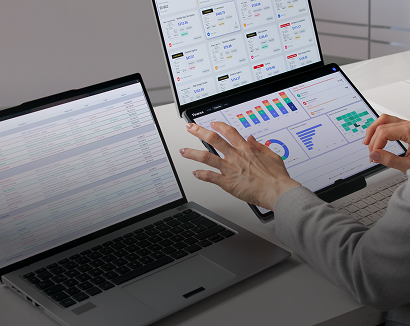
It handles the production plan and the work order lifecycle, like bills of materials, routings, work orders, work center capacity, and subcontracting.
It does not natively schedule against real changeover time between different products.
Inventory
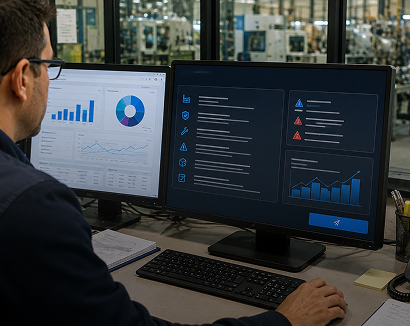
It handles physical stock movement and reordering logic like locations, stock moves, replenishment rules, barcode-based receiving and picking, and multi-warehouse support.
It does not natively enforce FEFO expiry-based picking or temperature-zone putaway.
Quality
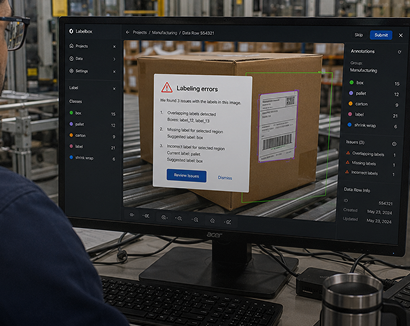
It handles inspection checkpoints inside a workflow such as quality control points, quality checks tied to operations, and quality alerts.
Its control points do not automatically produce the structured Key Data Element records a regulated audit requires.
Purchase and Accounting
It handles procurement and financial close, such as purchase orders, vendor bills, three-way matches, and the full general ledger.
This is the part of Odoo that most mid-market buyers evaluate first and worry about least.
These four apps are also where Odoo's modularity pays off for a manufacturer specifically. A bill of materials created in Manufacturing pulls its components directly from Inventory; a purchase order tied to low stock in Inventory can trigger a vendor bill in Accounting; and a quality check failure in Quality can hold a work order in Manufacturing before it moves further down the line.
None of that connective logic has to be built separately. It comes from the apps sharing one underlying data model rather than being integrated after the fact, which is a real advantage over stitching together separate best-of-breed systems for production, inventory, and accounting.
A Gap Is Not A Platform Flaw
None of this makes Odoo deficient for manufacturing. Every ERP on the market, including the ones with far higher license costs, ships with the same kind of gap when it meets a regulated or high-precision production environment. Closing that gap is implementation and integration work, not a platform flaw.
The apps also do not run in isolation. Odoo's integration layer connects them to systems and models outside Odoo, which is where a lot of that gap gets closed in practice.
Odoo Community vs Enterprise: Which a Manufacturer Should Run
Both editions of the Odoo ERP system run on the same codebase, but they are not interchangeable for a production operation.
Free, open source, self-hosted
Community is free, open source, self-hosted, and gives full access to the underlying code. There is no official support channel from Odoo itself.
A manufacturer with in-house technical capacity can run a lean deployment on it, particularly for back-office functions like accounting or basic sales.
Paid per user, more apps
Enterprise is paid per user and includes apps that Community does not, such as advanced manufacturing features, the Quality app, additional official support, and hosting options.
Most manufacturers doing real production planning and quality management need enterprise-tier apps to get there.
One note specific to manufacturers
The Manufacturing app's advanced features, including subcontracting and work center capacity planning, are enterprise-only, and so is the Quality app.
A manufacturer evaluating Community for cost reasons should confirm exactly which apps their production process needs before assuming Community will cover it. Running Community and discovering mid-implementation that a needed app is Enterprise-only is a more expensive problem to fix than checking the app list up front.
Split licensing is legitimate
Some manufacturers run Community for back-office functions where Odoo's official support matters less, and license Enterprise only for the users who touch Manufacturing and Quality directly.
That split licensing approach is not the default recommendation for every operation, but it is a legitimate way to manage cost on a plant floor where not every employee needs the same level of system access.
A full breakdown sits in GrayCyan's Odoo Community vs Enterprise guide, and Odoo publishes its own editions comparison.
Odoo for Manufacturing Operations: What GrayCyan Builds on Top
The apps above cover a lot of ground. For a regulated or high-precision manufacturer running ERP Odoo in production, four gaps tend to show up during implementation, and each one has a dedicated build behind it.
These are not hypothetical gaps found in a sales deck. They surface during the same implementation conversation almost every time: a plant runs an audit and cannot produce KDE records fast enough, or a warehouse manager explains that pickers are told to check expiry dates manually because the system does not sequence for them.
FEFO and lot-based picking
Odoo's standard picking logic does not sequence by expiry date.
GrayCyan builds directed picking that sequences by expiry, with scan-verified pick confirmation, inside Odoo inventory management.
Multi-temperature zone enforcement
Odoo's location rules do not natively reject a temperature-zone mismatch at putaway.
GrayCyan configures zone enforcement so a frozen item cannot be put away in an ambient location, as part of the Odoo WMS work.
Capacity-aware production scheduling
Odoo's Manufacturing app schedules work orders against work center availability, but not against real changeover time between different products.
GrayCyan builds scheduling logic that accounts for it, covered under Odoo for manufacturing.
Lot genealogy and audit evidence
Odoo's Quality app supports control points, but it does not automatically produce structured, FDA or USDA format KDE records at every critical tracking event.
GrayCyan builds that capture, along with the forward and backward trace it enables, through Odoo quality and lot traceability software.
AI middleware on top of all of it
Inventory anomaly detection, demand and expiry forecasting, document generation from Odoo records, and exception routing.
All of it reads from and writes back to Odoo through the API. This is covered under Odoo AI integration.
Each of these builds on the same underlying pattern
Odoo stays the system of record, and the added logic reads from and writes back to it through the API rather than living in a parallel spreadsheet or a separate application a plant floor team has to remember to check. That matters operationally as much as technically, since a second system nobody checks consistently is worse than no automation at all.
Not A Replacement → A Layer
None of this replaces Odoo. It is the layer GrayCyan builds on top of it, specific to manufacturing operations, and it is owned by the manufacturer at completion.
GrayCyan as an Odoo Implementation Partner
GrayCyan implements, customizes, trains on, and supports Odoo for mid-market manufacturers, and builds an AI middleware layer on top of it. Those Odoo ERP services break into five parts.
Implementation
Configuring Odoo around a manufacturer's actual production process rather than the reverse.
The configuration follows the floor, not a module checklist.
Custom Development
Building the functionality Odoo does not ship natively.
This is where the four gaps above get closed.
Training
Getting plant floor and office staff working in the system.
Adoption is what decides whether the configuration survives the first busy month.
Support
Ongoing maintenance after go-live.
Including regression checks when Odoo releases a new major version.
AI Middleware
The automation layer described above, reading from and writing back to Odoo through the API.
Odoo stays the system of record throughout.
GrayCyan's manufacturing and middleware experience spans several platforms our clients were already running, which is why the approach to Odoo starts from operations rather than from module configuration alone. A configuration-first Odoo partner will ask which modules to enable.
Module List → Production Floor
An operations-first approach starts from the production floor: how a lot moves from receiving to shipping, where a quality hold currently happens on paper, and where a scheduler is working from a whiteboard instead of the system. It then maps that onto Odoo's apps and builds what is missing.
There is no timeline or pricing estimate on this page. Both depend on which apps, which gaps, and which integrations a specific operation needs, and that conversation happens on a Discovery Call. See GrayCyan as an Odoo implementation partner.
Manufacturing Case Studies
These are systems GrayCyan built on the platforms our clients were already running. They are why we approach Odoo from manufacturing operations rather than from module configuration alone.

USDA-Regulated Meat Processor
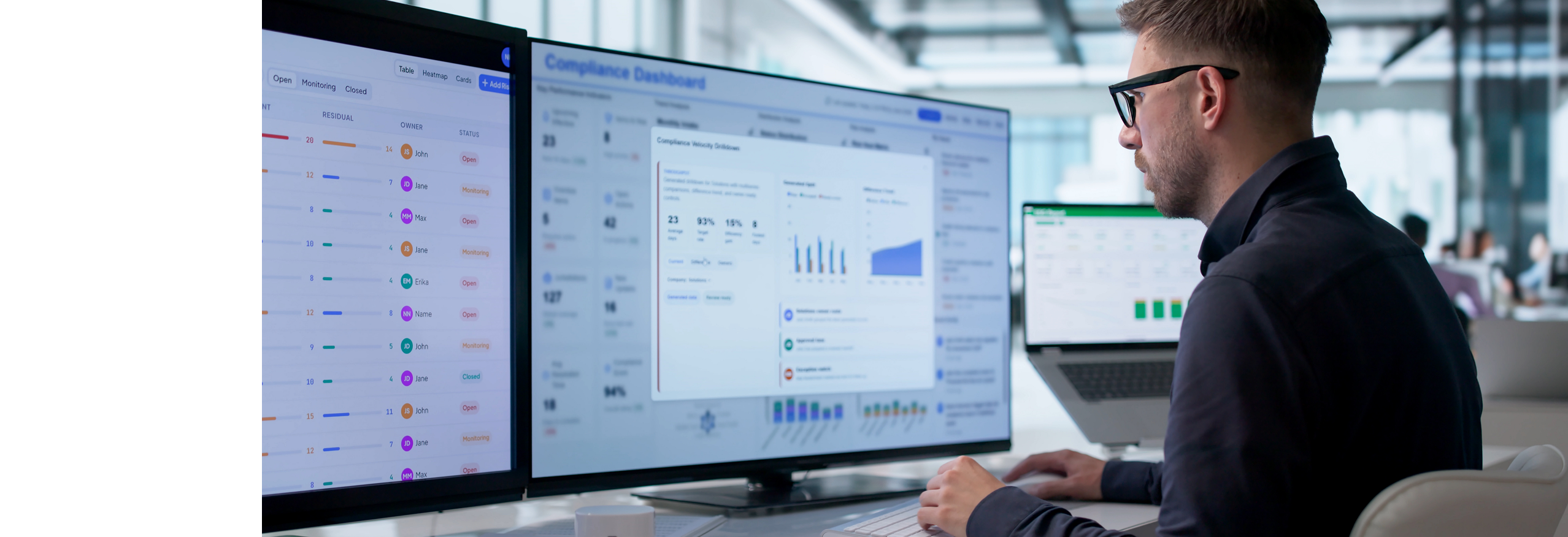
The audit response reduced from 2 to 3 days to under 60 seconds through automated KDE capture at every critical tracking event.
No ERP replacement.
Food Distributor Running Fishbowl
An 85% reduction in manual data entry, with full lot genealogy traceable in minutes, through scan-based receiving connected to purchase orders.
The ERP stayed in place as the inventory system of record.
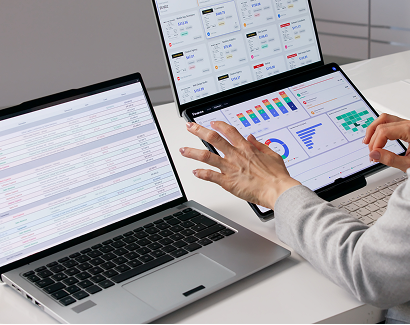
Access Industrial
Proposal turnaround reduced from roughly 8 hours to 30 minutes through a middleware layer drafting from existing system data.
The drafting reads the systems the team already maintained.
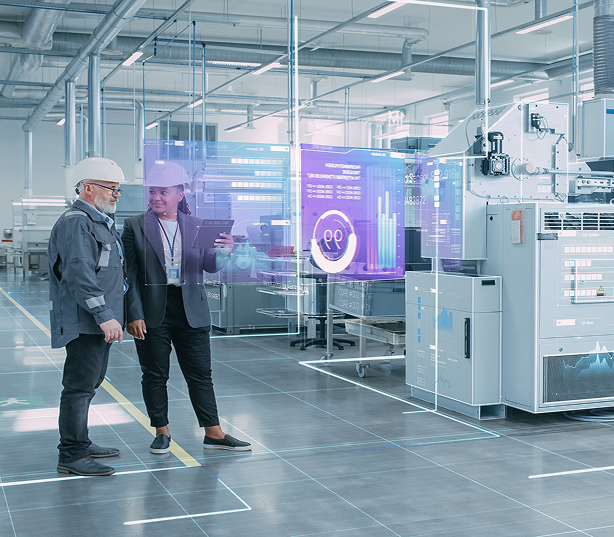
Air-Gapped Defense Manufacturer
40 years of drawings made searchable in seconds, fully on-premises, with no external connectivity.
Nothing left the facility.
Who This Page Is For
Mid-Market Manufacturers
Mid-market manufacturers, 50 to 500 employees, evaluating Odoo or already running it.
Partly Manual Tracking
Operations where production, inventory, or quality tracking is still partly manual.
Regulated Operations
Regulated manufacturers needing lot traceability or audit evidence built into daily workflow.
Migrating Off Spreadsheets
Companies migrating from QuickBooks, a legacy ERP, or spreadsheets.
Not the right fit:
- Retail, e-commerce, and services businesses, better served by a generalist Odoo partner.
- Enterprise manufacturers with over 1,000 employees with an existing systems integrator.
- Companies not yet decided on Odoo: see Odoo vs NetSuite.
If a production process is already fully digital, with expiry tracking, temperature-zone control, and audit-ready traceability built in and working, an Odoo migration is a bigger project than the gap it closes. This page is written for the more common case: a manufacturer where some of that is still tracked on paper, in spreadsheets, or in a legacy system nobody wants to keep paying to maintain.
Frequently Asked Questions: Odoo ERP
Ready to Build on Odoo?
Tell us what you manufacture, which ERP you run today, and where production, inventory, or quality tracking is still manual.
GrayCyan will show you what an Odoo implementation looks like for your operation and what the AI layer removes from someone's plate.
See GrayCyan as an Odoo partner, Odoo implementation cost or Odoo AI integration →